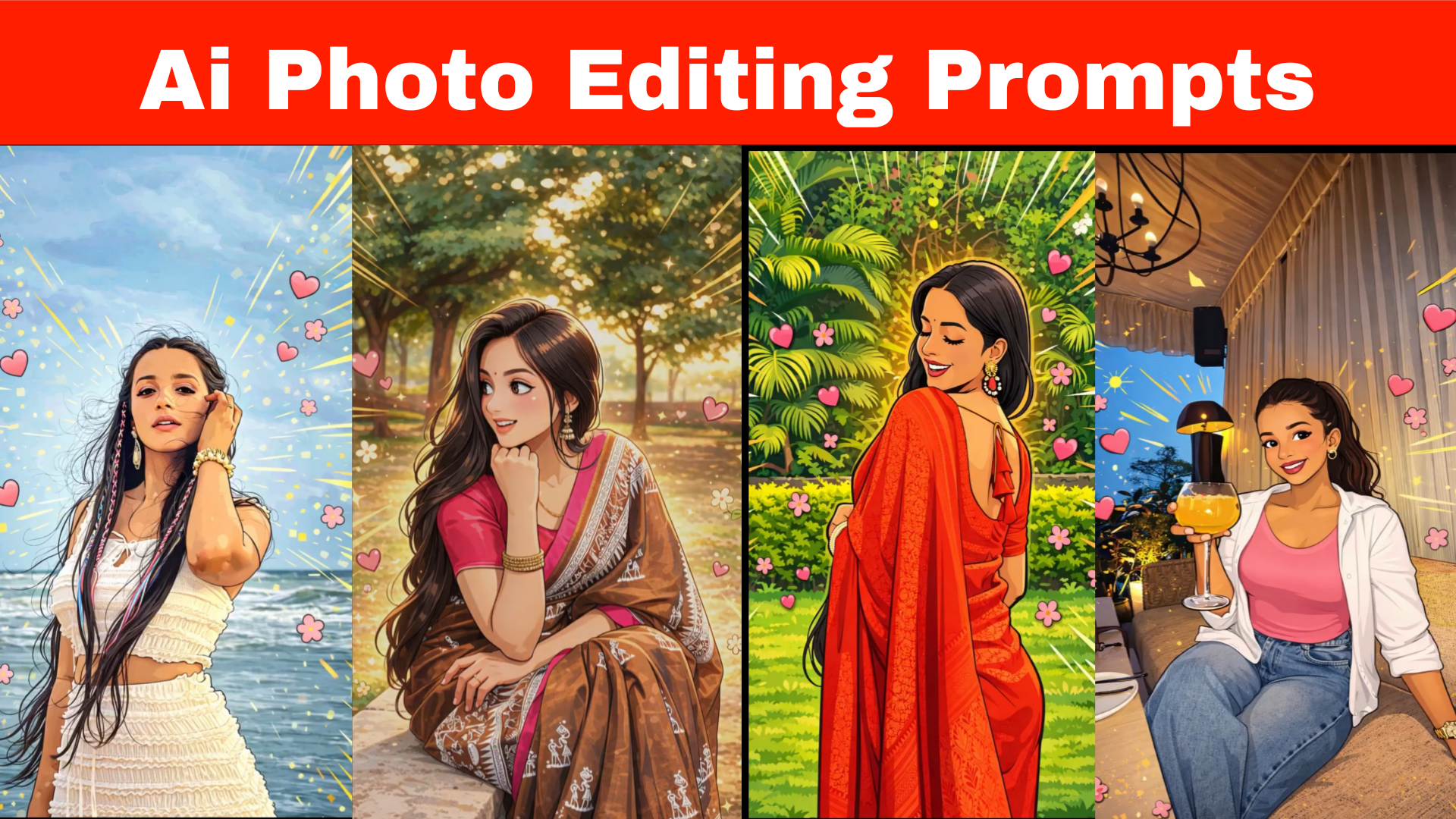
gemini ai photo ;You’ve probably seen AI-generated images like this on Instagram or other social media platforms. If you want to create similar images, you’ve come to the right place. In this post, we’ll teach you how to create AI images, which are currently going viral on social media. If you want to create them, you’re in the right place.
To create images like this, first, you’ll find the prompt below on our website; copy it. Then, go to the Gemini website, upload a photo of your face and the copied prompt. After that, your image will be created. You can then save the image and upload it to your social media.
gemini ai photo editor prompt
Transform the image into a clearly visible cartoon-style illustration while preserving the original facial structure, pose, proportions, and real background.
Apply defined vector-style outlines around facial features, hair, and clothing, smooth skin with a soft illustrated finish, and simplified shading with gentle color blocks instead of photo texture. Enhance the background with pop-art inspired radiating lines, dynamic motion strokes, and layered energy effects placed behind the subject. Add cute pink hearts and small floral elements flowing naturally around the subject. Use vibrant, balanced colors derived from the photo with crisp edges and a polished cartoon aesthetic. Do not remove or replace the background;
apply effects as an overlay only